
for Apple TV

We put the commercials back.

Put old ads in a Plex library and sit through them between shows like God intended.
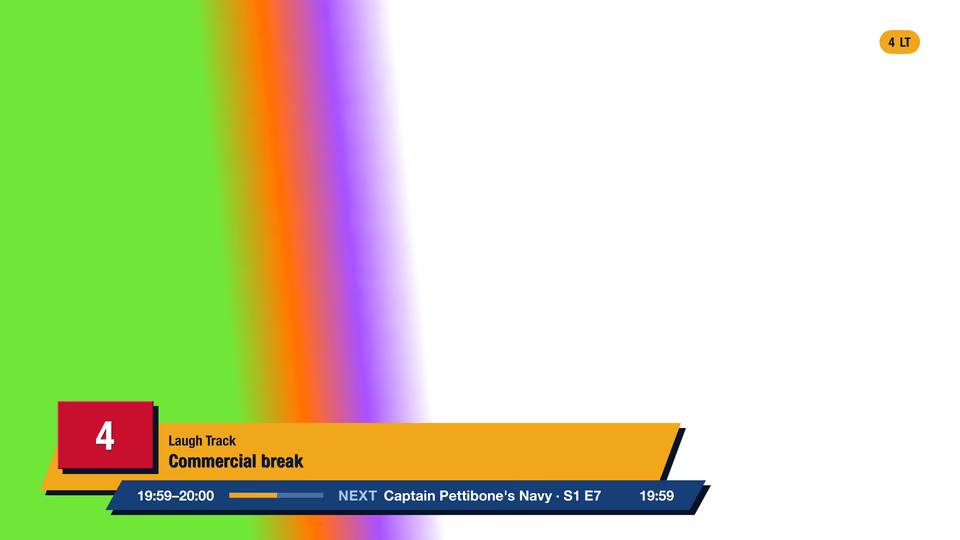
SpiteTV on channel 4, Laugh Track, in a commercial break. The banner reads Commercial break, 19:59 to 20:00, over a test pattern.

Commercials Not Included

We supply no ads. You put old ads, promos, and bumpers in one Plex library.

Mock-up. Settings, as the app lays them out.

Breaks run after the show, never during.

A 22-minute episode gets a 30-minute slot. Your ads fill the other 8 minutes.
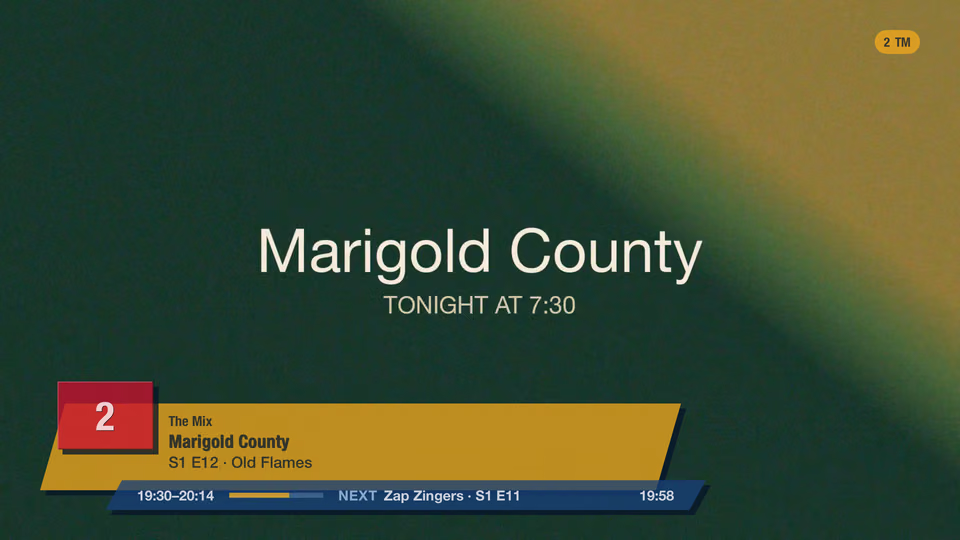
SpiteTV on channel 2, The Mix: the banner shows Marigold County running 19:30 to 20:14, with Zap Zingers next.

Every show starts on the quarter hour.

Turn breaks off and a show can start at 8:31. Nothing good ever started at 8:31.
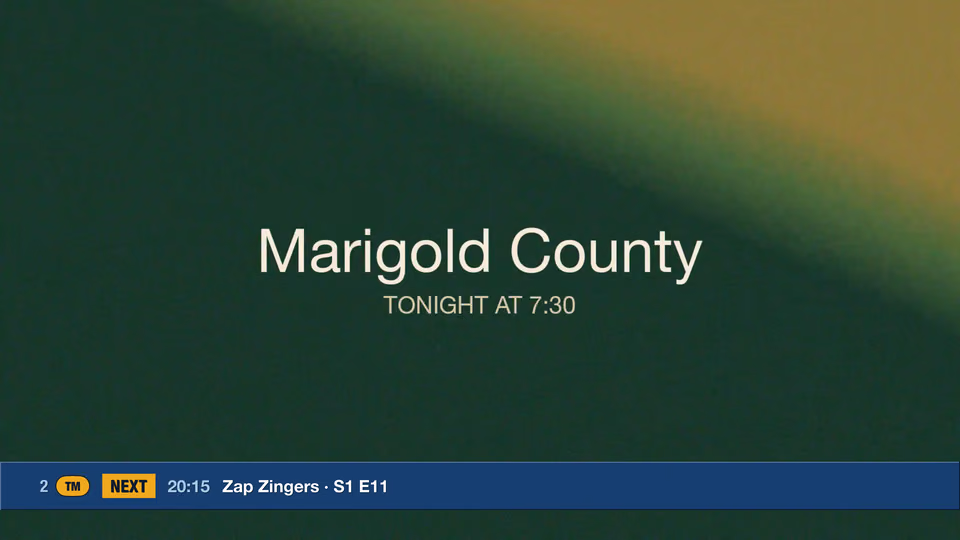
The up next strip on channel 2: next at 20:15, Zap Zingers, season 1, episode 11.

You Pay Extra to Get the Ads

Commercial breaks come with Premium, a one-time $9.99 add-on with no subscription.

$9.99one time

First, find some old ads.

Our guide covers where they come from and how to cut, tag, and level them.

Mock-up. Quarter-hour breaks, public-domain shorts.

It's in beta. Get in early.

Join the beta for Apple TV

Menu

Join the beta