How SpiteTV turns your Plex library into TV channels.
You need an Apple TV, a Plex server, and something on it.
Something means at least one movie or TV library.
Sign in to Plex with a 4‑character code.
SpiteTV shows the code. You enter it at plex.tv/link on a phone or computer.
SpiteTV sorts your library into up to 140 channels.
A channel appears when you own enough of it, usually 6 hours of shows or 4 movies.
- 4Laugh TrackComedy episodes 35 minutes or shorter.
- 24Midnight MovieHorror movies.
- 32Dusty TrailWesterns.
Scheduled Entirely Without Your Involvement
Every channel runs its own schedule. Tune in halfway through a movie and stay anyway.
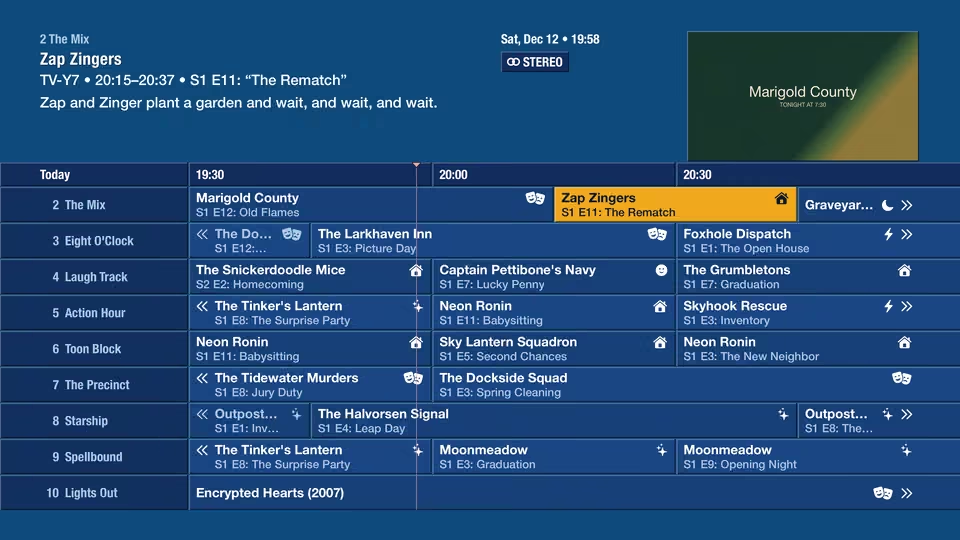
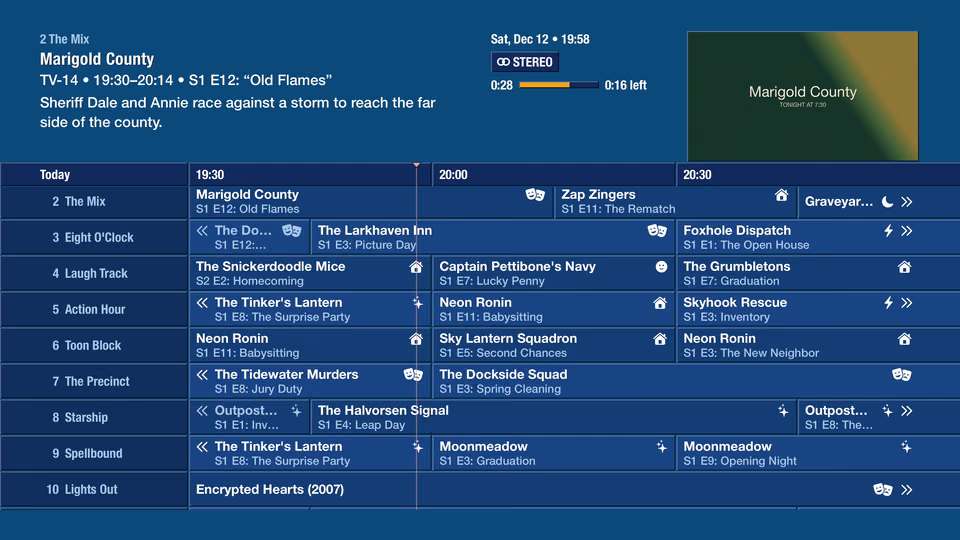
The guide lists every channel and what's on. You already know how to read it.
Hands off for 90 seconds and the guide scrolls by itself, like the listings channel did.
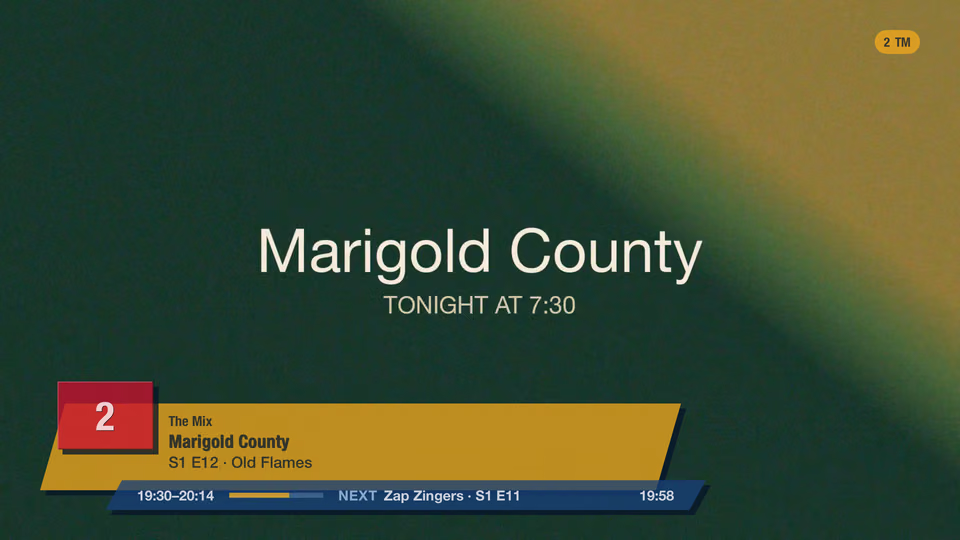
Turn on the TV and flip channels like a person with a couch and no plans.
Static covers the channel change, then the picture rolls in like it did on a tube TV.